Product updates
Plan your class reunion from ChatGPT or Claude
Reunionsoft now connects to ChatGPT, Claude, and any MCP-capable assistant. Add classmates, update contact details, send invitations, and check progress by typing a sentence.
By Tyler Clark
Founder of Reunionsoft · Software architect
· 6 min read

You can now plan your class reunion from inside ChatGPT or Claude. Connect Reunionsoft once, and your assistant can add classmates, fill in their email and phone, send invitations, save budget estimates, and tell you what is left to do. Everything it does lands in your real Reunionsoft workspace, under your own account and permissions.
This post explains what the connection is, what it can do, why we built it this way, and how to set it up in about two minutes.
What it looks like
Start a new chat in ChatGPT, pick Reunionsoft from the plugin menu, and ask for help. The assistant checks your account for an existing reunion, or walks you through school, graduation year, and a title to create one.
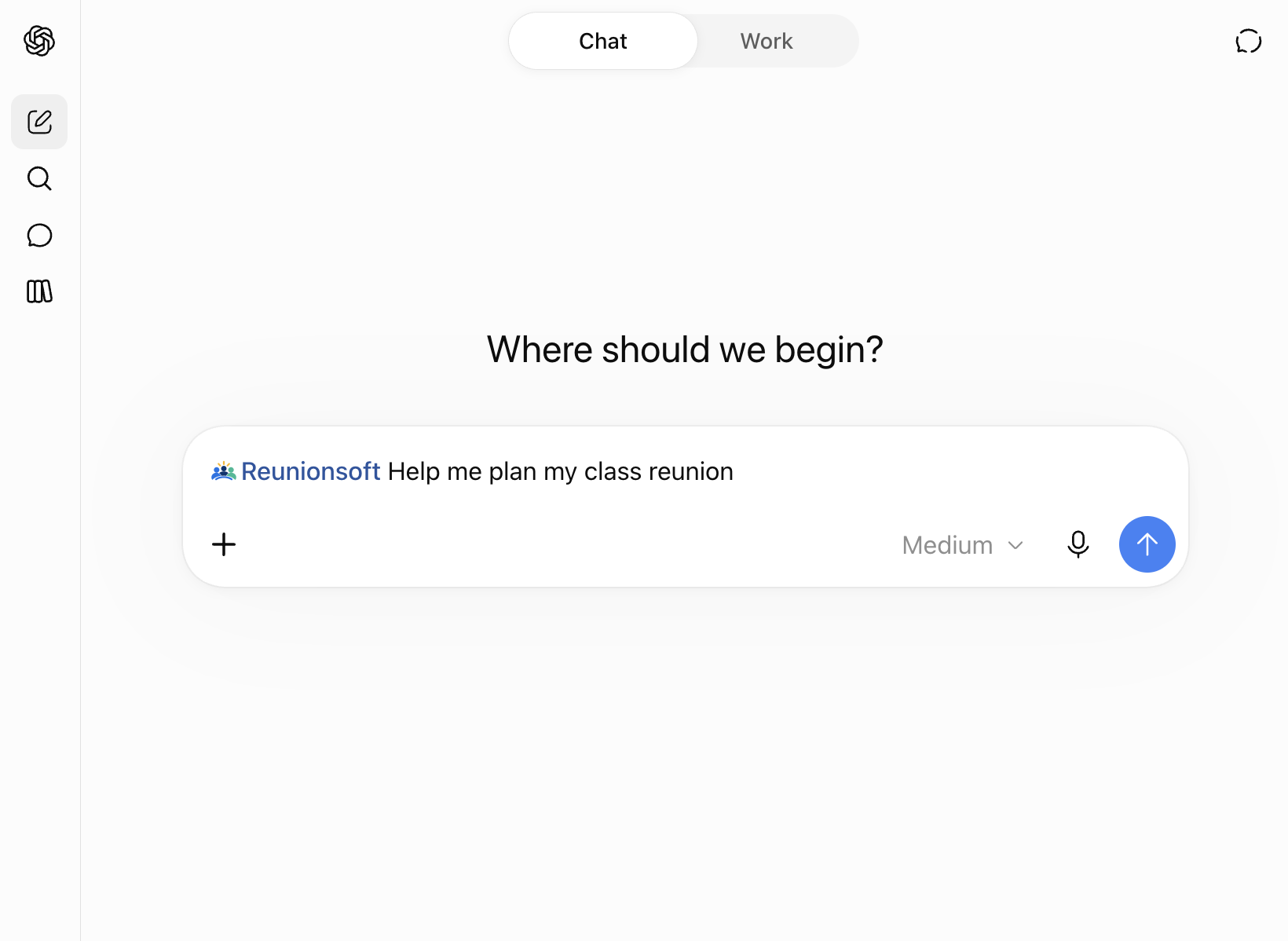
Once the workspace exists, planning is just talking. Here an organizer asks to add a classmate, mark him as attending, and save his phone number. ChatGPT finds the right reunion, adds him to the roster, and reports back.
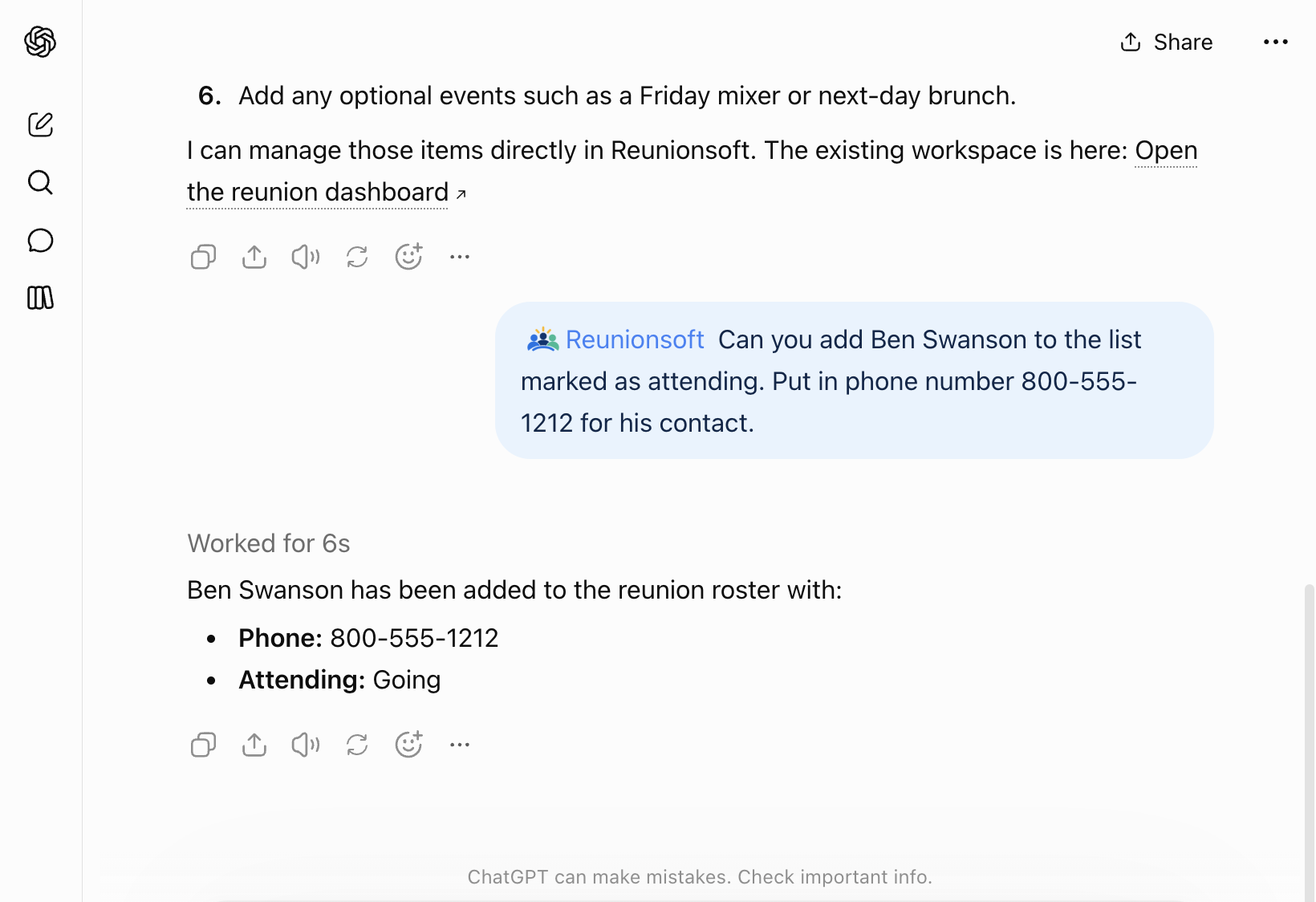
A follow-up like "Update that Ben's email is ben.swanson@example.com" edits the same roster entry. "Who still doesn't have an email address?" reads the roster back. "Send invitations to everyone we haven't contacted" sends them, after the assistant confirms the count with you.
None of this requires opening a browser tab, finding the right page, or clicking through a form. You describe what you want, and it happens.
Everything the dashboard can do, your assistant can do
We did not ship a toy version of Reunionsoft for AI assistants. The connection exposes the same set of tools the app itself uses, so anything an organizer can do in the dashboard works from a chat:
- Roster: add classmates by name, paste a whole list, update contact details, change RSVP or outreach status, remove people, export a CSV.
- Finding people: run a contact search on classmates with missing details. The assistant tells you how many credits it will spend before it starts.
- Outreach: send the invitation email, preview who a message would reach, send a test to yourself, then send it to the class.
- Planning: checklist tasks with owners and deadlines, budget estimates and actual costs, the weekend schedule, hotel blocks.
- The reunion page: date, venue, description, theme, cover photos, whether the page is published.
- Community: read the class group feed, post updates, run and close polls, pin or remove posts.
- Tickets and the day of: ticket types, promo codes, RSVP list, check-in at the door.
- Progress: one question, "What's left to do?", returns the live checklist, budget, RSVP count, and missing setup steps.
The only things that stay on the website are payments: unlocking a reunion, buying search credits, connecting payouts, and buying a custom domain. Your assistant will hand you the link for those rather than spend money on your behalf.
Why this is useful
Planning happens in conversations, not forms. Reunion organizing is mostly talking: to classmates, to the committee, to yourself at 11pm when you remember someone's new last name. An assistant that already knows your reunion means you can act on those thoughts in the same window where you are drafting the message, working out the budget, or asking for advice. "Add the three people Sarah just mentioned" is one sentence. In the dashboard it is three forms.
Pasted lists just work. People hand organizers class lists in every format: a screenshot of a Facebook group, a text message, a column from an old spreadsheet. Your assistant can read any of it, clean it up, and add it to the roster in one step. Duplicates are skipped, so re-running a list is safe.
Your assistant already has context. If you have been using ChatGPT or Claude to brainstorm venues, draft invitations, or work out a ticket price, the plan lives in that chat. Now the same chat can save it: the tasks, the estimates, the date. No copying between windows.
It confirms before anything that matters. Sending a message to 200 people, spending search credits, or deleting a record all go through the same confirmation step a careful assistant would take with a human. Reads never need confirmation, so questions are instant.
It respects the rules of your workspace. The connection signs in as you through OAuth. It can only see the reunions you organize. Anything that needs an unlocked reunion in the app also needs one here. There is no side door.
ChatGPT, Claude, or both
The connection uses the Model Context Protocol (MCP), an open standard for letting AI assistants use outside tools. That means one Reunionsoft server works with every assistant that supports it, and you can use more than one.
- ChatGPT: connect through Apps and Connectors with Developer mode on (Plus, Pro, Business, Enterprise, and Edu plans). Reunionsoft appears as a plugin you can turn on in any chat. Good if ChatGPT is where you already do your planning and drafting.
- Claude: add Reunionsoft as a custom connector in Settings, or in Claude Code with a single terminal command. Claude tends to be careful about confirming before it sends or deletes, which organizers appreciate when the class list is long.
- Anything else that speaks MCP: Cursor, other desktop agents, and custom automations can connect to the same URL with OAuth.
Or use Planner AI inside Reunionsoft
You don't need an outside assistant at all. Every reunion dashboard has Planner AI built in, and it runs on the exact same set of tools described above. Ask it to add classmates, draft and send a message, save the budget, or tell you what is left, and it does it right there, already signed in as you, with your reunion in front of it.
Planner AI, ChatGPT, and Claude all work on the same workspace, so you can mix them. Brainstorm the plan in ChatGPT, save it from there, then check on it from Planner AI the next time you are in the dashboard. Nothing gets out of sync because there is only one copy of your reunion.
How to connect
- Sign in to Reunionsoft and open Planner AI from your reunion dashboard.
- Choose Use in Claude or ChatGPT. The dialog shows the server URL and the steps for each assistant.
- In ChatGPT: Settings, then Apps and Connectors, then Advanced settings, turn on Developer mode, then Create a connector with the URL and choose OAuth.
- In Claude: Settings, then Connectors, then Add custom connector, and paste the URL. In Claude Code, run the command shown in the dialog.
- Approve access when Reunionsoft asks. You are signing in with your existing account; nothing new to create.
Then try it: "What reunions do I have?" or "Add Ben Swanson to my classmates list."
A note on safety
Your assistant acts as you, with your permissions, and nothing more. It cannot see other organizers' reunions or classmates. It cannot make purchases. Contact searches spend credits only when a classmate is actually matched, and the assistant tells you the count first. Sending a message always goes through a confirmation. If you ever want to cut the connection, remove the connector in your assistant's settings; Reunionsoft's side of the link is revoked with it.
We built the connection this way because organizers trust Reunionsoft with a class's contact information. Making that reachable from a chat window should not loosen any of the controls that protect it.
What's next
The roster tools in this post shipped because an organizer tried to add a classmate from ChatGPT and could not. If your assistant tells you it cannot do something Reunionsoft can, tell us. That is exactly the kind of gap we want to close.